The free, open-source SSH client built for the next decade.
Folder-based session manager. Rust-native protocol stack. Encrypted vault by default. One binary on Windows, Linux, and macOS — and zero compromises.
Every feature you wanted. None of the bloat.
A protocol-correct, vault-backed, cross-platform SSH client in a single 20MB binary. No installer. No nag screens. No subscription.
Pure-Rust protocol stack
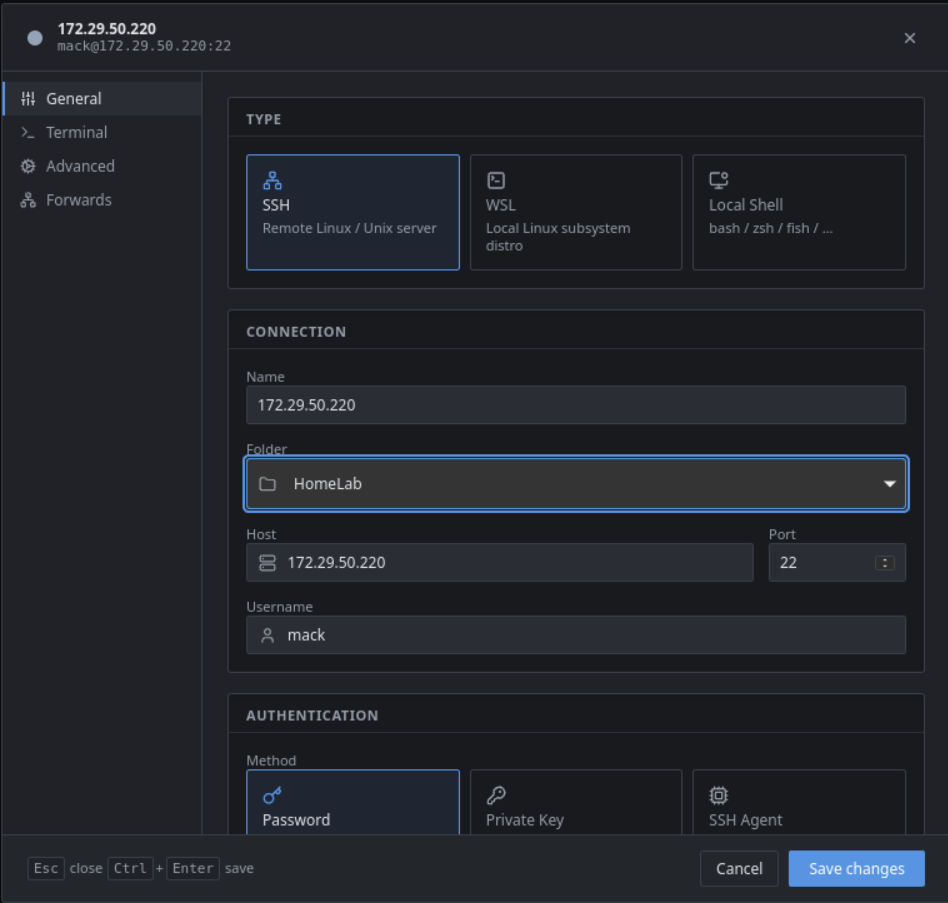
Built on russh — tokio-native, no OpenSSL FFI. Password, private-key, and SSH-agent auth. Host-key TOFU; hard-fail on mismatch.
russh · russh-sftpEncrypted by default
Argon2id KDF → ChaCha20-Poly1305 AEAD on every stored secret. Master password unlocks the app. Plaintext zeroized on drop.
argon2id · chacha20-poly1305File transfer that flows
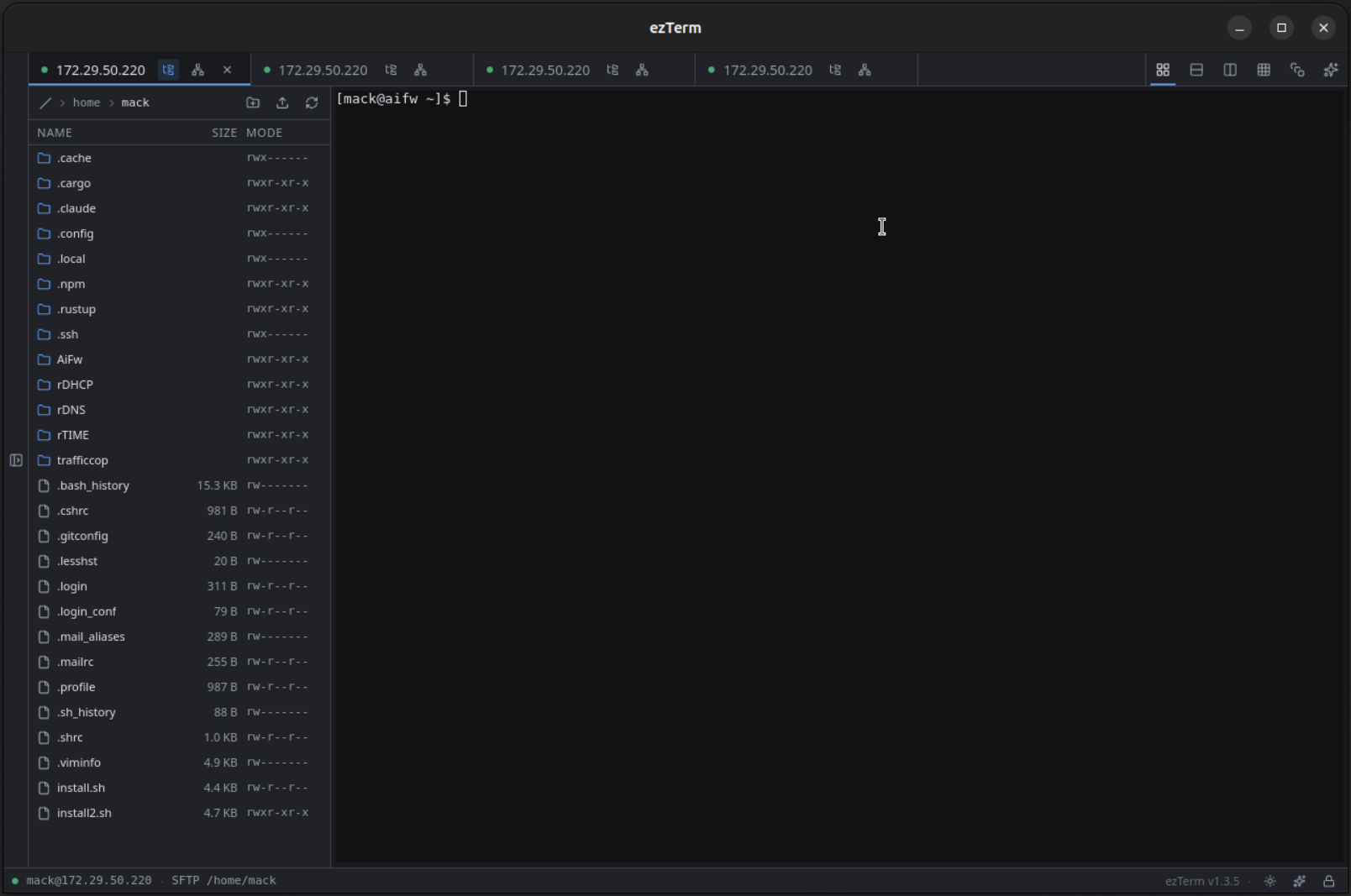
SFTP side-pane docked on the active session. Resizable pane and columns, multi-select, drag-drop files or folders from Explorer with 32 KiB streaming chunks and byte-accurate progress.
streaming · zero-bufferWSL & local shells
Any WSL distro under ConPTY. cmd, pwsh, or any absolute path with an optional starting directory.
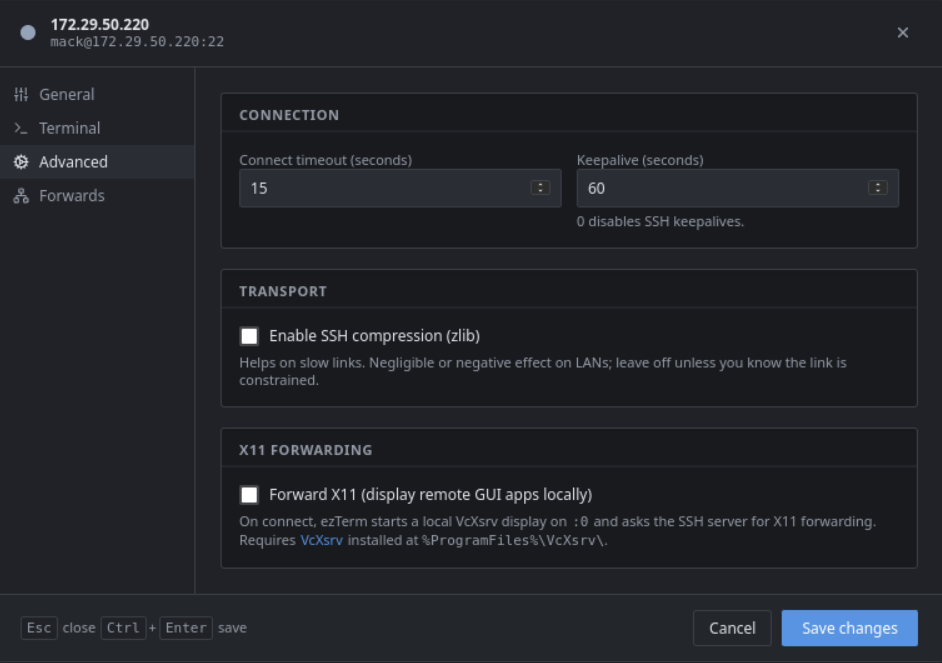
X11 forwarding, no setup
Tick one box. Remote GUI apps render as native windows. VcXsrv bundled on the Windows release; no separate install.
vcxsrv bundledPort forwarding, saved
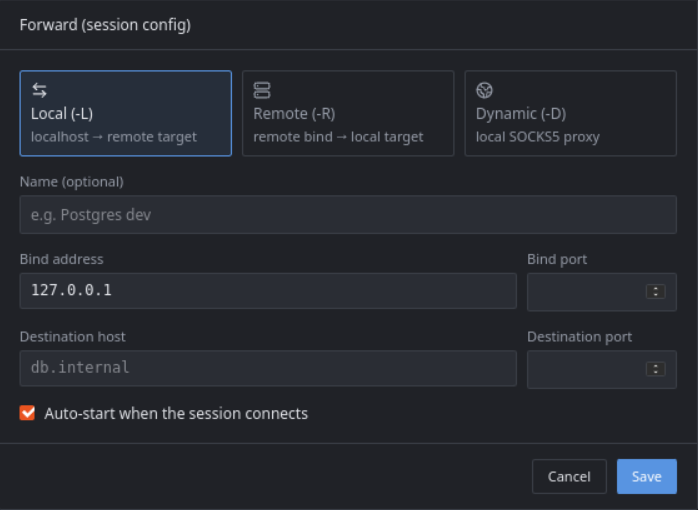
Local -L, remote -R, dynamic SOCKS5 -D — per session, auto-started on connect.
MobaXterm import
Point at your .mxtsessions or MobaXterm.ini. Sessions, folder structure, and private keys come in clean.
Workspace you already know
Sessions sidebar with folders + drag-drop. Tabbed terminals, status dots, find, scrollback, font scaling, copy-on-select.
familiar layoutFree, forever, GPLv3
Open source. Fork it, ship it, sell it (under GPL). Issues + PRs welcome on GitHub. No telemetry, no calls home.
gpl-v3Everything in one window.
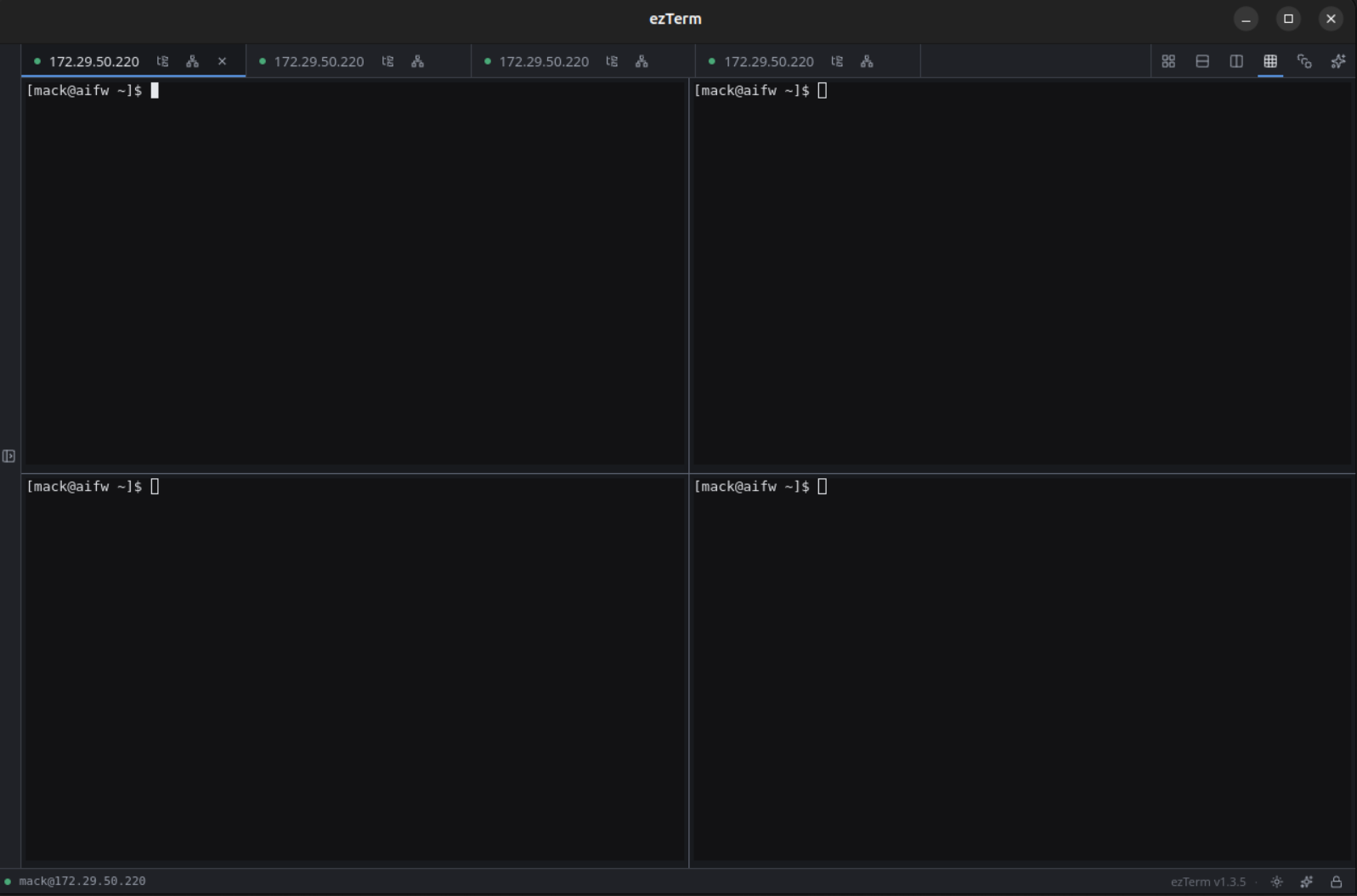
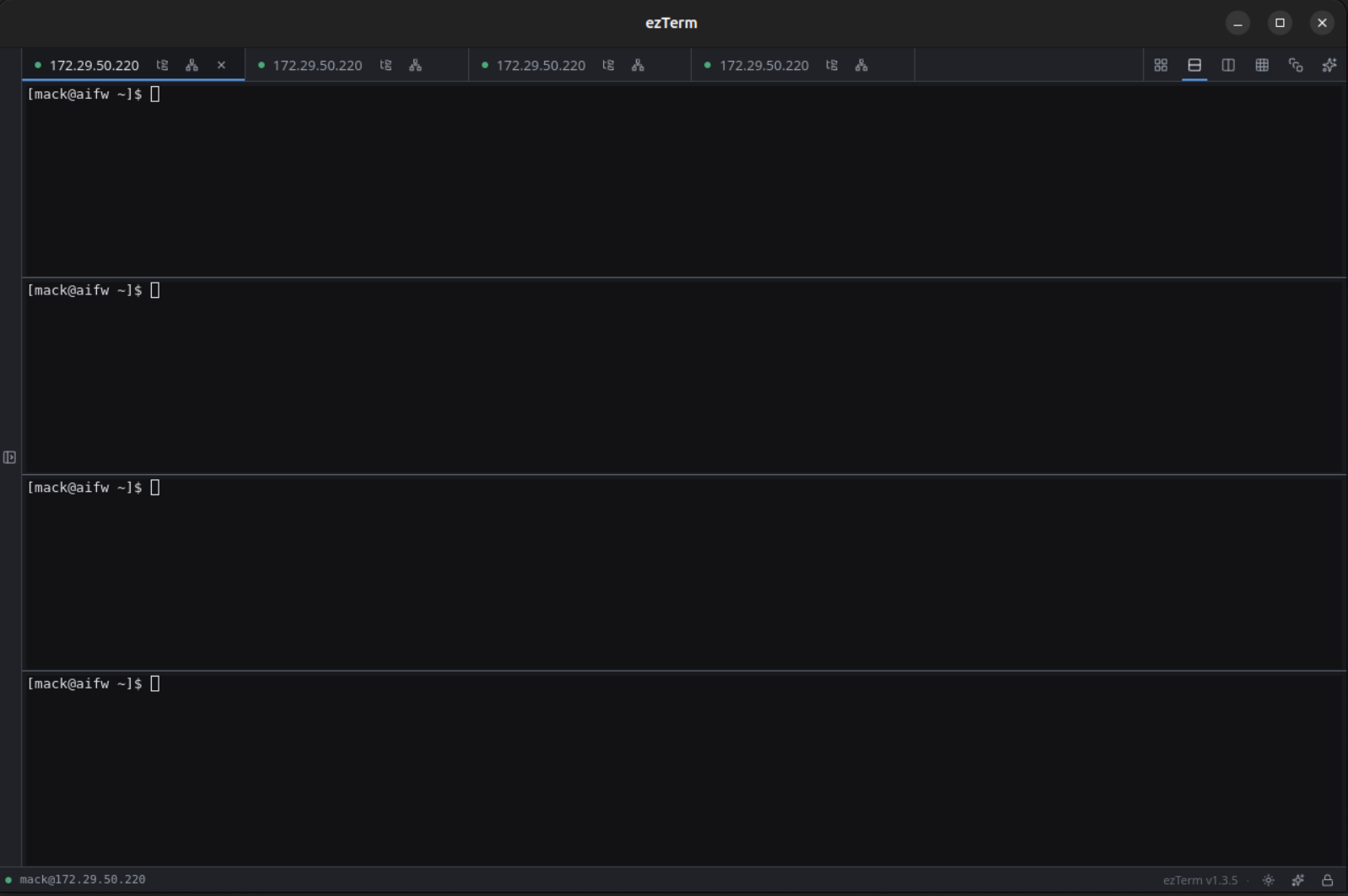
Sessions, tabs, splits, SFTP, port forwards, X11 — all in the same tabbed UI you already know how to use.
Stop paying for SSH.
Download a single tar.xz. Extract. Run. Cross-platform from day one — Windows, Linux, macOS.