Docs
Screenshots
Changelog
GitHub
Screenshots
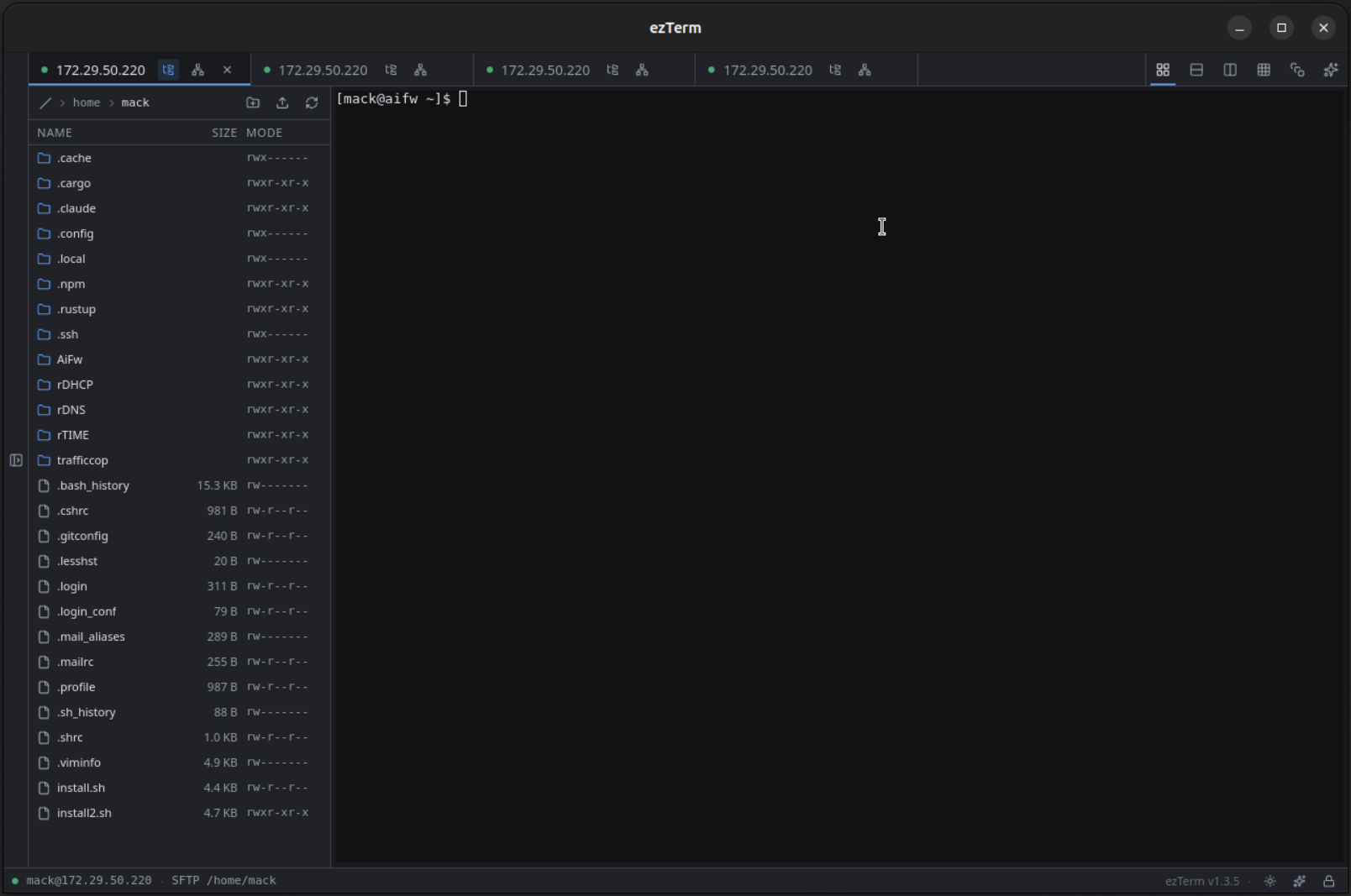
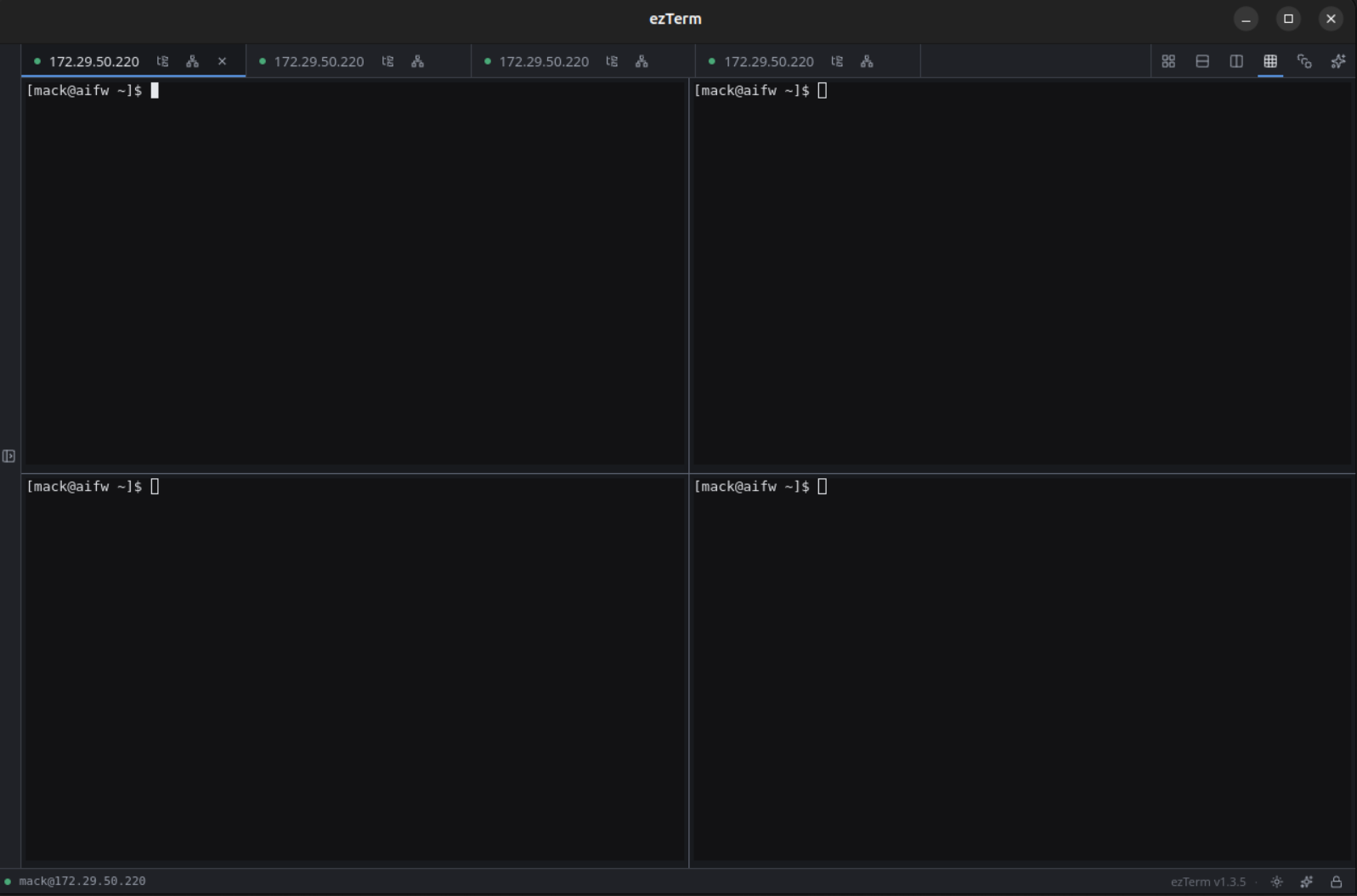
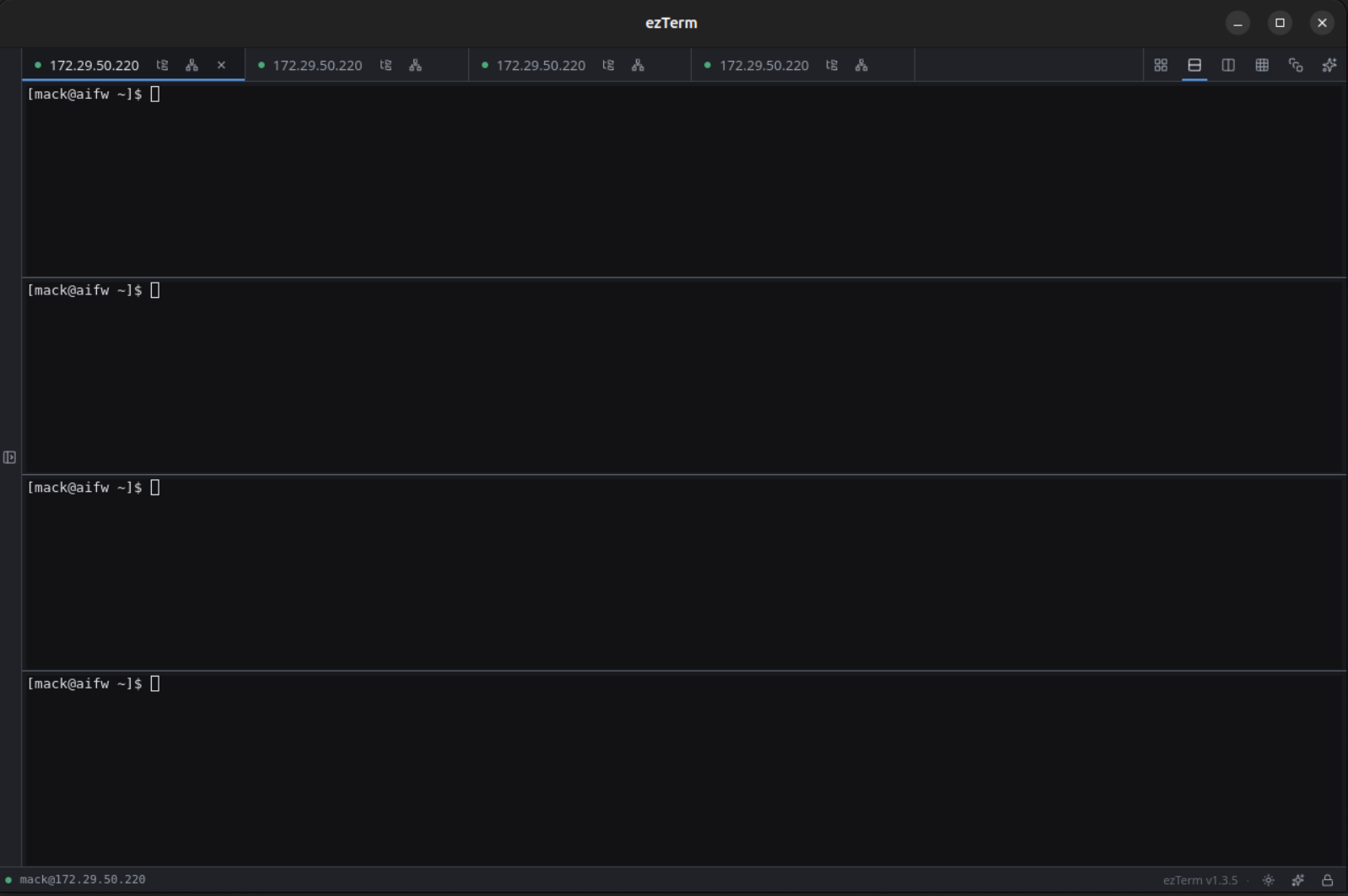
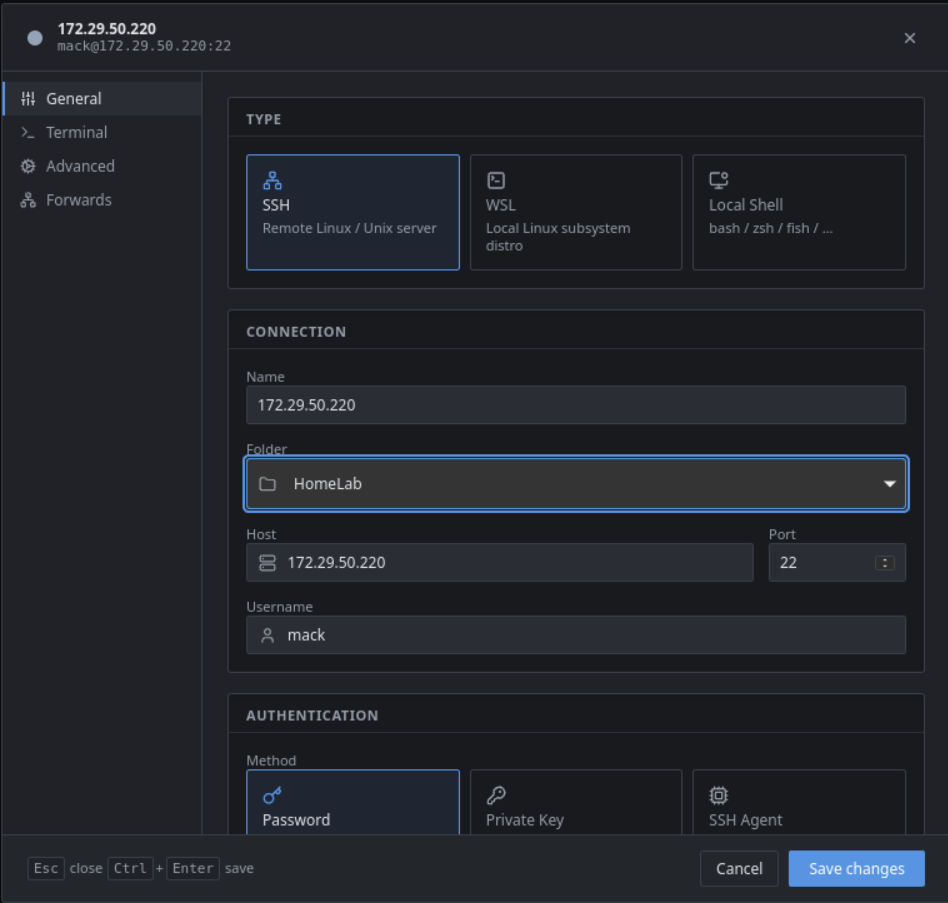
ezTerm in action.
SFTP side-pane — file browser docked beside the active SSH tab.
Split panes — 2×2 grid, same connection or different.
Horizontal stacks — perfect for tailing logs across a fleet.
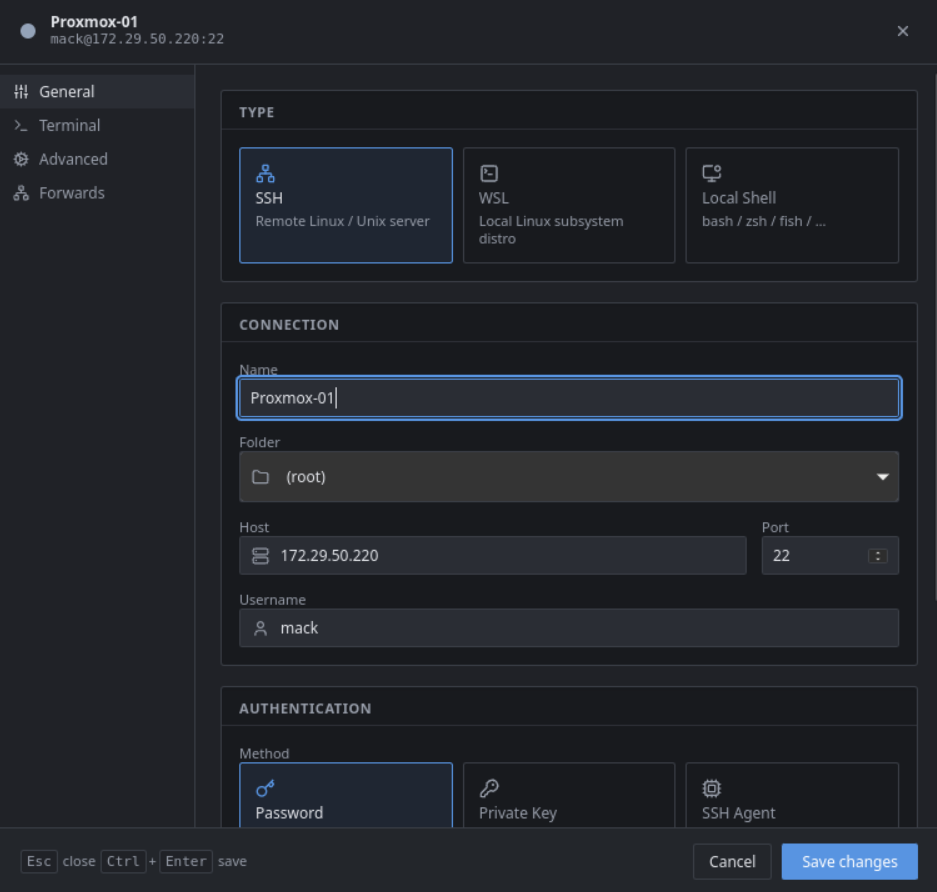
Session setup — one tabbed dialog covers SSH, WSL, and local shells.
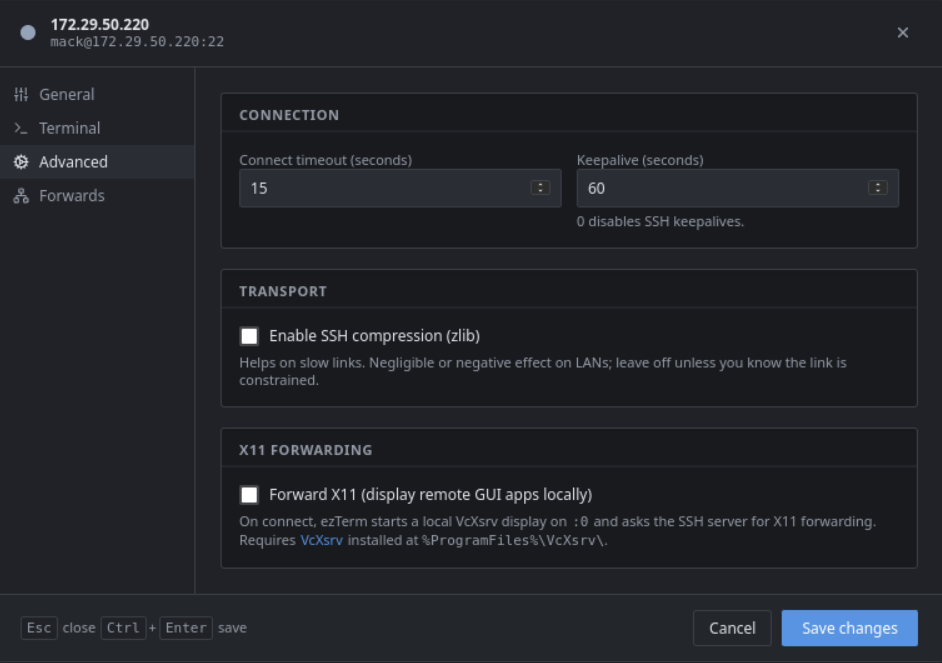
Advanced options — keepalive, compression, X11 forwarding.
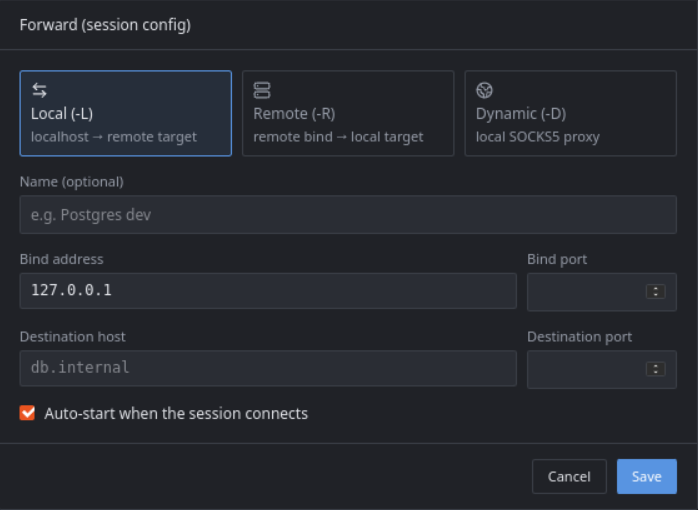
Port forwards — Local, Remote, or Dynamic SOCKS5, saved per session.
New session — quick capture of host, port, username, and folder.